Access from Microsoft Office Outlook 365
resumen
How to add a Plesk email account in Microsoft Outlook 365.
If you have a different Outlook version or flavor, see instructions for Outlook, Outlook 2019 or Outlook 2010.
To set up Microsoft Office Outlook 365 automatically:
Open Microsoft Outlook 365.
Go to Settings > Accounts.
Click the Add account.
-
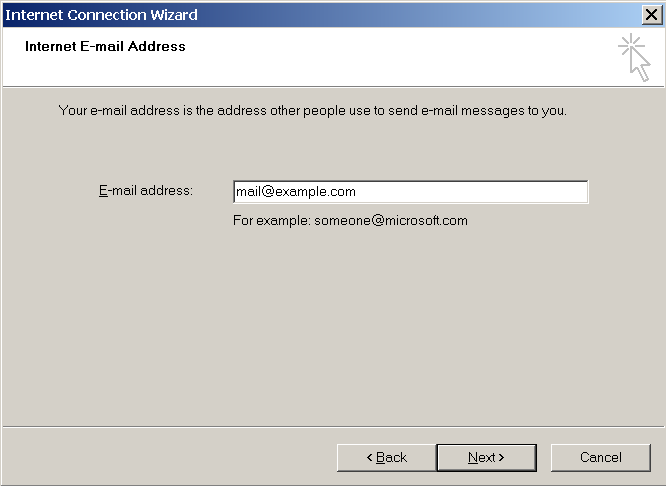
Enter your email address, and click Continue.

-
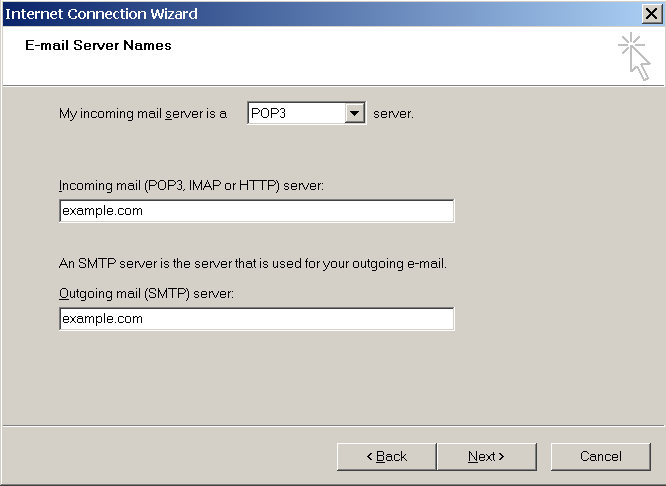
Select IMAP as the email provider. Enter your password, use the recommended settings, and then click Continue.
-
Confirme la sincronización de su cuenta IMAP y espere a que finalice la configuración.
To add more mail accounts to Outlook 365, click Add account.