Zugriff via Microsoft Office Outlook 365
Inhalt
Anleitung zum Hinzufügen eines Plesk E-Mail-Kontos in Microsoft Outlook 365.
If you have a different Outlook version or flavor, see instructions for Outlook, Outlook 2019 or Outlook 2010.
So richten Sie Microsoft Office Outlook 365 automatisch ein:
Öffnen Sie Microsoft Outlook 365.
Go to Settings > Accounts.
Click the Add account.
-
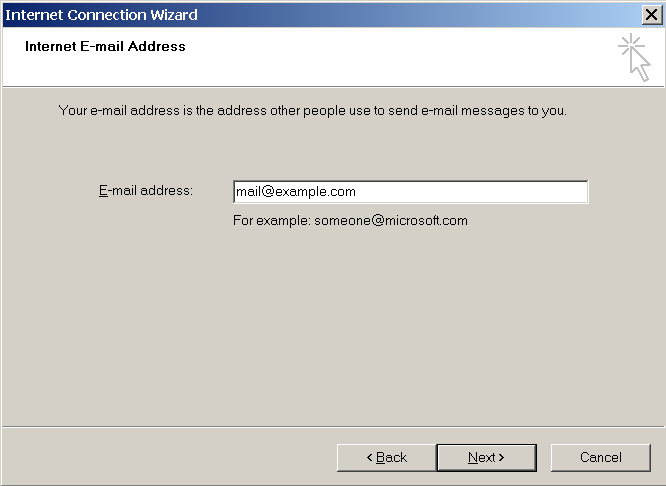
Enter your email address, and click Continue.

-
Wählen Sie IMAP als E-Mail-Anbieter aus. Geben Sie Ihr Passwort ein, verwenden Sie die empfohlenen Einstellungen und klicken Sie dann auf Weiter.
-
Bestätigen Sie die Synchronisierung Ihres IMAP-Kontos und warten Sie, bis die Einrichtung abgeschlossen ist.
Wenn Sie weitere E-Mail-Konten zu Outlook 365 hinzufügen möchten, klicken Sie auf Konto hinzufügen.