Accéder depuis Microsoft Office Outlook 365
Résumé
Comment ajouter un compte mail Plesk dans Microsoft Outlook 365.
If you have a different Outlook version or flavor, see instructions for Outlook, Outlook 2019 or Outlook 2010.
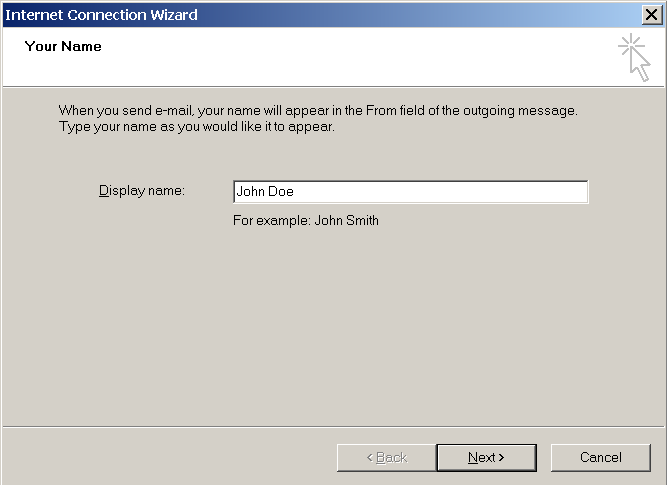
Pour configurer Microsoft Office Outlook 365 automatiquement :
Ouvrez Microsoft Outlook 365.
Go to Settings > Accounts.
Click the Add account.
-
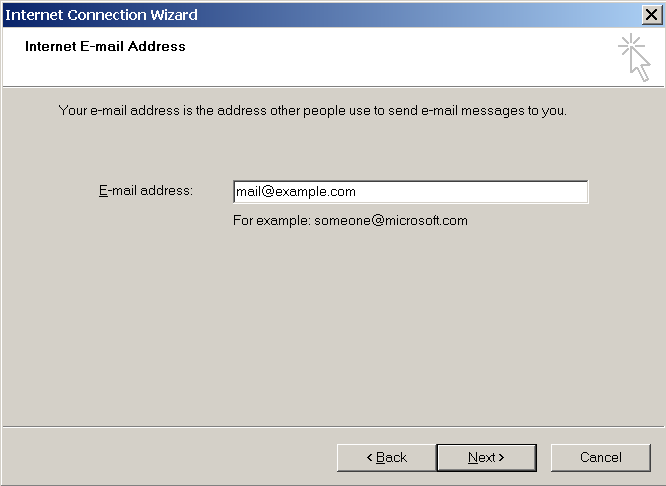
Enter your email address, and click Continue.

-
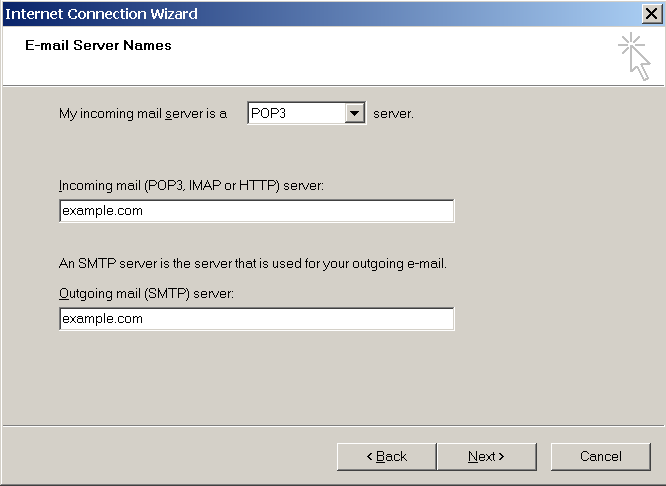
Select IMAP as the email provider. Enter your password, use the recommended settings, and then click Continue.
-
Confirmez la synchronisation de votre compte IMAP et patientez jusqu’à la fin de la configuration.
Pour ajouter plus de comptes mail à Outlook 365, cliquez sur Add account (Ajouter un compte).