Verwalten von Backups
Wir empfehlen, Sicherungskopien Ihrer Website-Inhalte anzulegen, um sich vor Datenverlust und Angriffen zu schützen. Mit der Backup- und Wiederherstellungsfunktion von Plesk können Sie Sicherungskopien erstellen. So lassen sich sowohl Konfigurationen als auch Inhalte sichern, darunter Website-Inhalte, E-Mail-Konten, Datenbanken und mehr, und die Daten bei Bedarf wiederherstellen. Sie können in Plesk erstellte Sicherungsdateien herunterladen und auch solche hochladen, die mit älteren Plesk-Versionen erstellt wurden. Die erstellten Backups können lokal oder auf einem externen FTP-Server gespeichert werden.
Backup von Konto und Websites
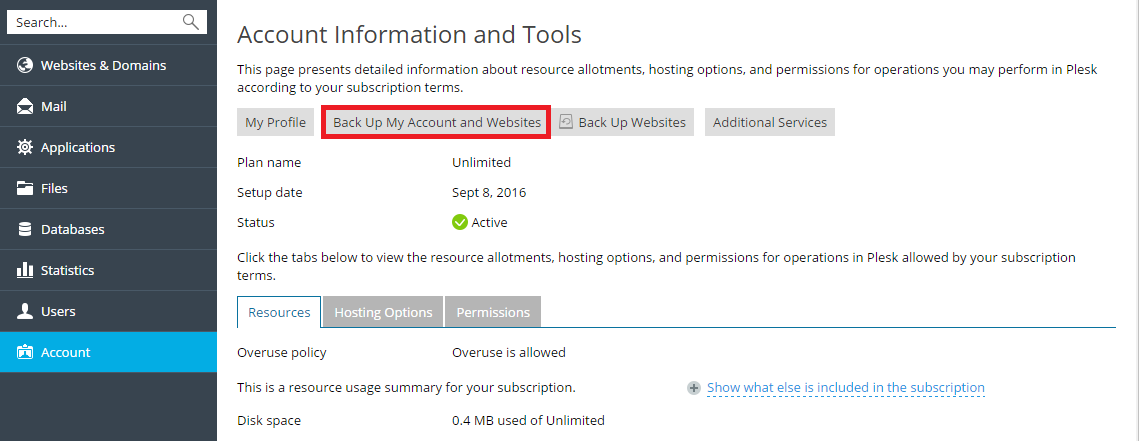
Wenn Ihr Konto Zugriff auf mehr als ein Abonnement hat, sichern Sie alle Ihre Kontodaten und Abonnements. Gehen Sie dazu zu Konto > Konto und Websites sichern.
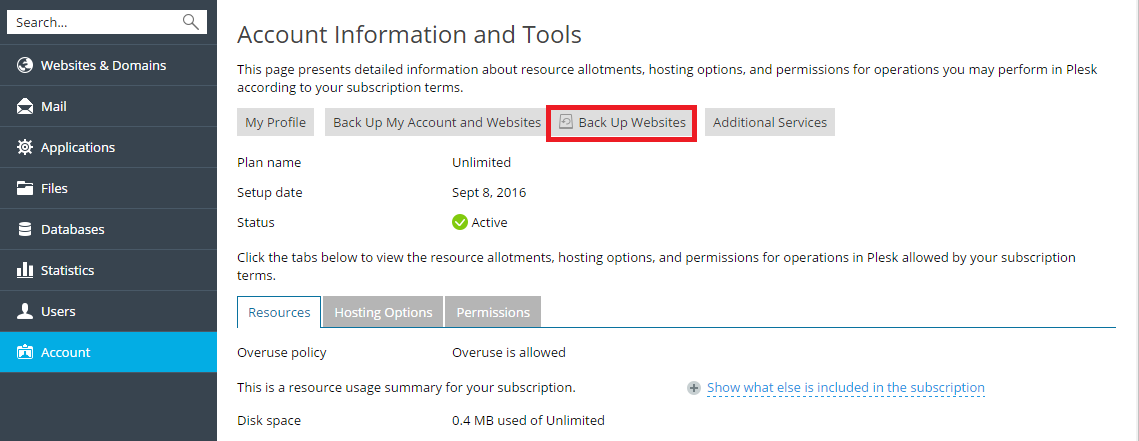
Um die Websites des ausgewählten Abonnements zu sichern, gehen Sie zu Konto > Websites sichern.
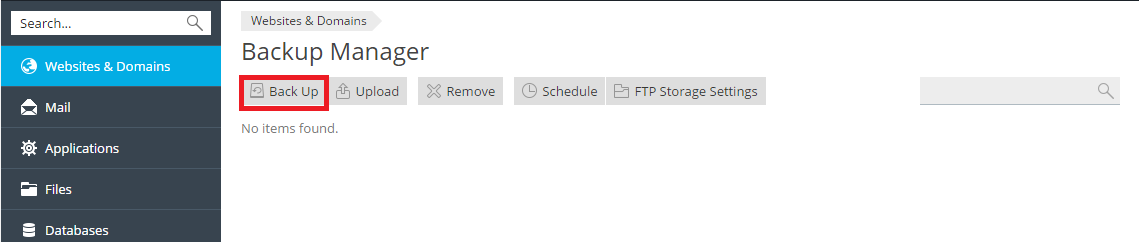
Dann klicken Sie auf Backup erstellen, um ein neues Backup zu erstellen.
Wiederherstellen von Backups
Sie können nur Backups wiederherstellen, die in Plesk Onyx 17.0 und höher erstellt wurden.
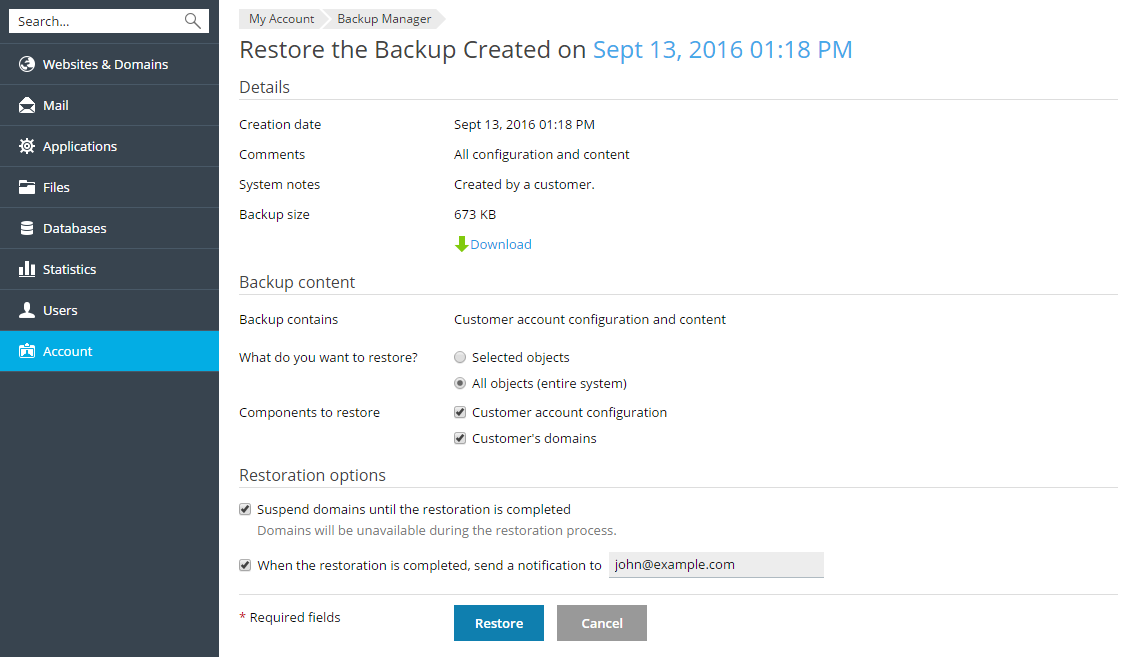
Sie können auswählen, welche Dateien aus der Backupdatei wiederhergestellt werden sollen. Sie können eine bestimmte Website, Datei, Datenbank usw. wiederherstellen. Dies ermöglicht Ihnen, nur wirklich die Objekte wiederherzustellen, die Sie benötigen, ohne andere Objekte zu überschreiben. Wenn Sie beispielsweise nur die DNS-Zone der Domain example.com wiederherstellen wollen, müssen Sie nicht die Konfiguration aller anderen Domains wiederherstellen.
Um eine Backupdatei wiederherzustellen, gehen Sie zu Konto > Websites sichern. Oder rufen Sie Websites & Domains > Backup-Manager auf. Klicken Sie anschließend auf das benötigte Backup, geben Sie an, was wiederhergestellt werden soll und klicken Sie auf Wiederherstellen.