Gestione dei backup
Ti consigliamo di conservare copie di backup del contenuto dei siti web, in modo da evitare incidenti e neutralizzare attacchi nocivi. Puoi creare copie di backup mediante la funzione di backup e ripristino di Plesk. Questa funzione consente di creare backup sia della configurazione che di altri dati, quali il contenuto di siti web, gli account di posta, i database e altro. Consente inoltre di ripristinare i dati in caso di necessità. Puoi scaricare i file di backup creati in Plesk, nonché caricare qualsiasi file di backup, persino quelli creati in versioni di Plesk precedenti. I backup creati si possono conservare localmente o in un archivio FTP remoto.
Backup di account e siti web
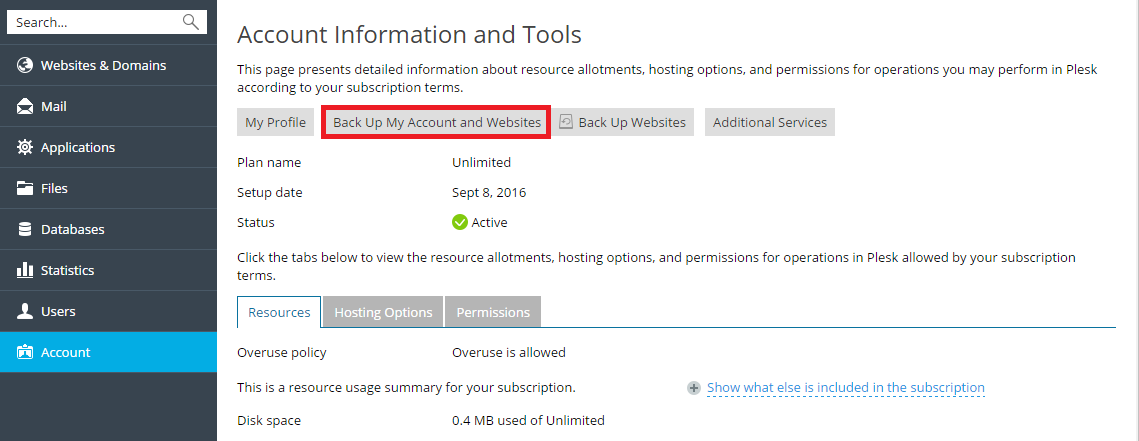
Se il tuo account ha accesso a più di un abbonamento, per eseguire il backup di tutti i dati relativi al tuo account e a tutti i tuoi abbonamenti, vai su Account > Crea il backup del mio account e dei miei siti web.
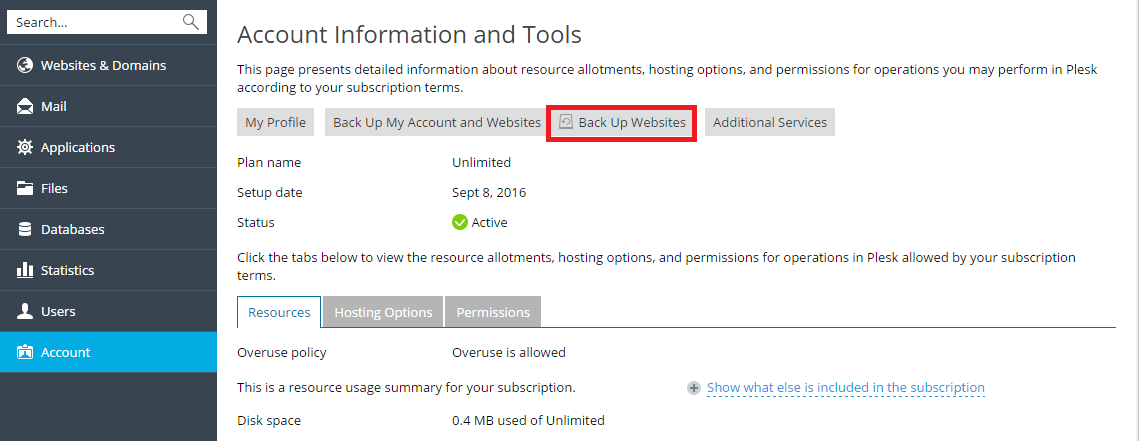
Per eseguire il backup dei siti web associati all’abbonamento selezionato, accedi ad Account> Crea il backup dei siti web.
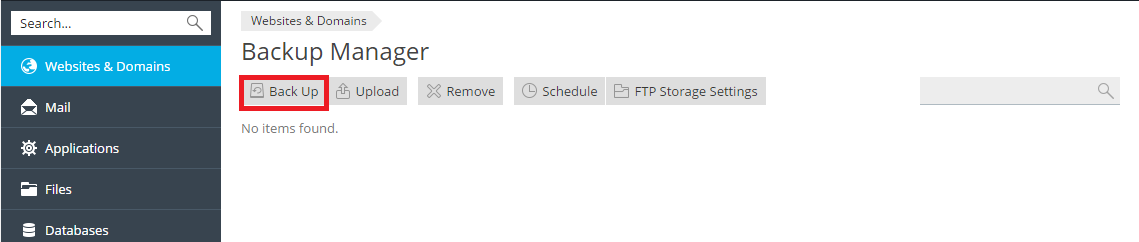
Quindi fai clic su Backup per creare un nuovo backup.
Ripristino di backup
Puoi ripristinare esclusivamente i backup creati in Plesk Onyx 17.0 e nelle versioni successive.
È possibile selezionare quali oggetti ripristinare da un file di backup. Si può ripristinare un determinato sito, file, database ecc. Ciò consente di ripristinare solo gli oggetti desiderati, senza sovrascriverne altri. Ad esempio, se desideri ripristinare soltanto una zona DNS di un dominio singolo, esempio.com, non è necessario ripristinare le configurazioni di tutti gli altri domini.
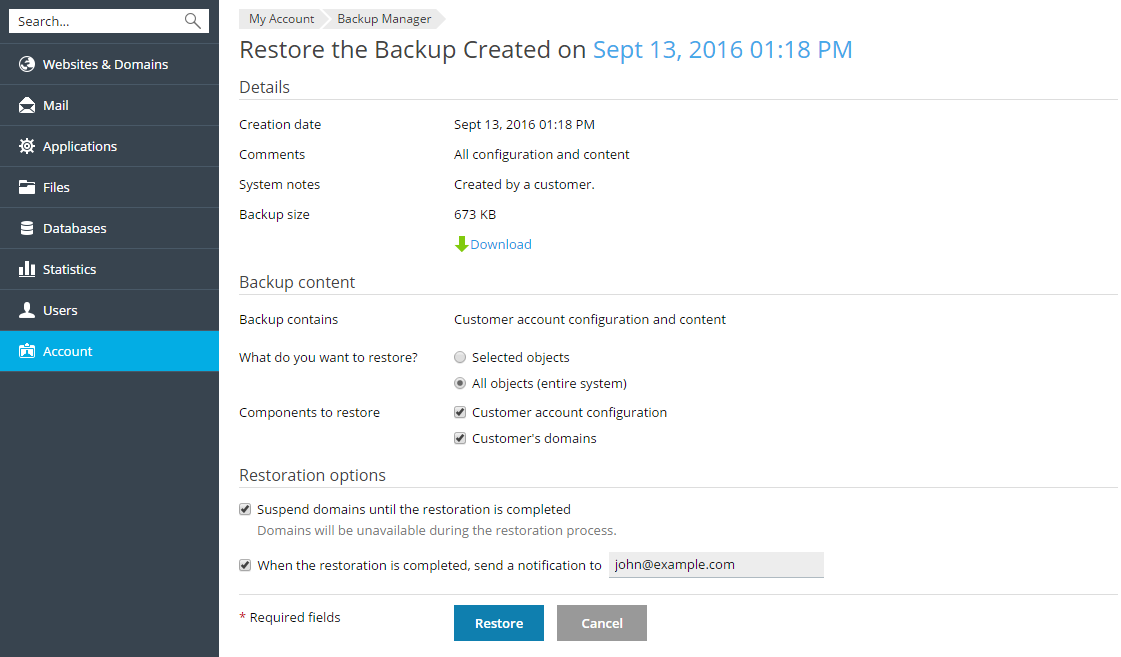
Per ripristinare un file di backup, accedi ad Account > Crea il backup dei siti web o a Siti web e domini > Gestore di backup. Quindi fai clic sul backup desiderato, indica cosa occorre ripristinare e seleziona Ripristina.