バックアップを管理する
事故や悪意のある攻撃からウェブサイトコンテンツを守るため、バックアップコピーを保持しておくことをお勧めします。Plesk のバックアップおよび復元機能を使用して、バックアップコピーを作成できます。これにより、ウェブサイトコンテンツ、メールアカウント、データベースなど、構成とコンテンツの両方のバックアップを作成し、必要に応じてデータを復元できます。また、Plesk で作成したバックアップファイルをダウンロードしたり、以前のバージョンの Plesk で作成したバックアップファイルも含め、バックアップファイルをアップロードしたりできます。作成したバックアップは、ローカルに保存することも、リモート FTP ストレージに保存することもできます。
アカウントとウェブサイトをバックアップする
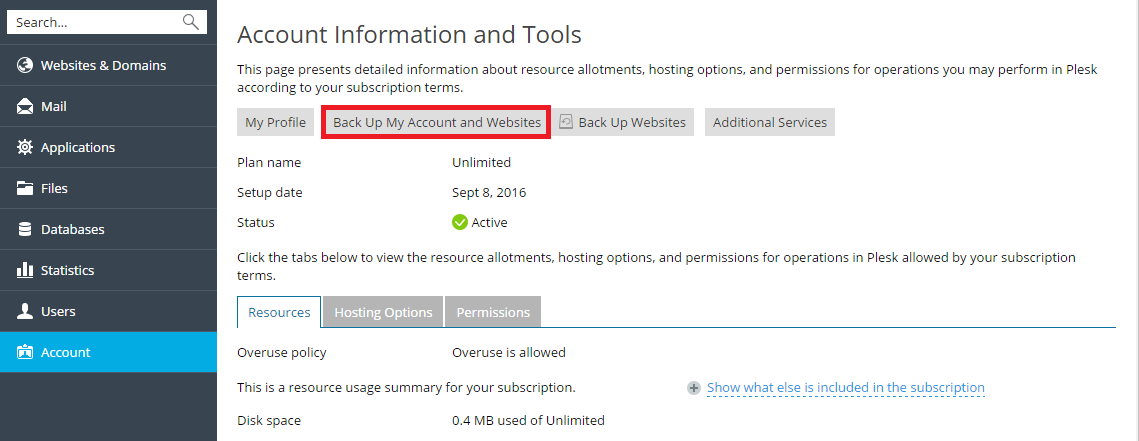
アカウントが複数の契約にアクセスできる場合、アカウントとすべての契約に関連するすべてのデータをバックアップするには、 [アカウント] > [マイ・アカウントとウェブサイトのバックアップ] に移動します。
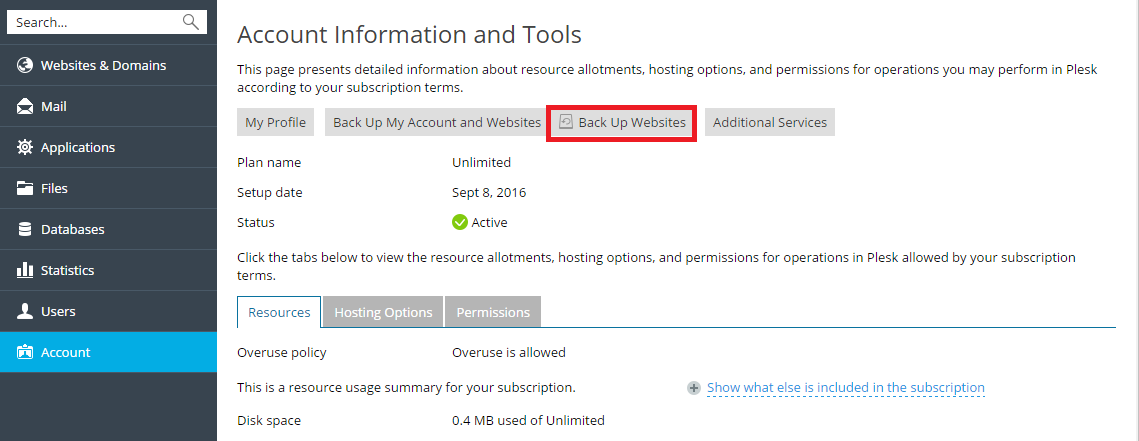
現在選択している契約に関連するウェブサイトをバックアップするには、 [アカウント] > [ウェブサイトのバックアップ] に移動します。
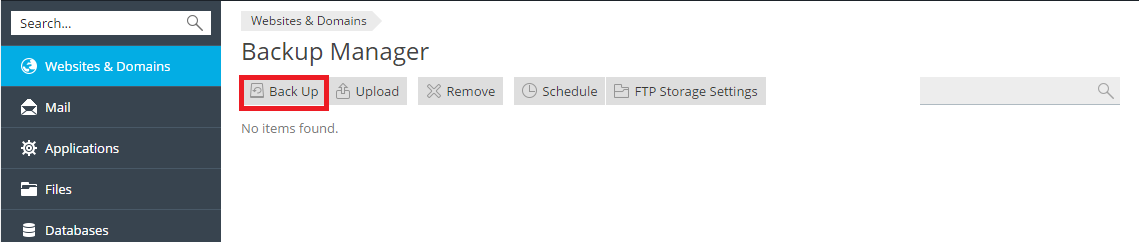
次に、[バックアップ]をクリックして、新規バックアップを作成します。
バックアップを復元する
復元できるのは、Plesk Onyx 17.0 以降で作成したバックアップのみです。
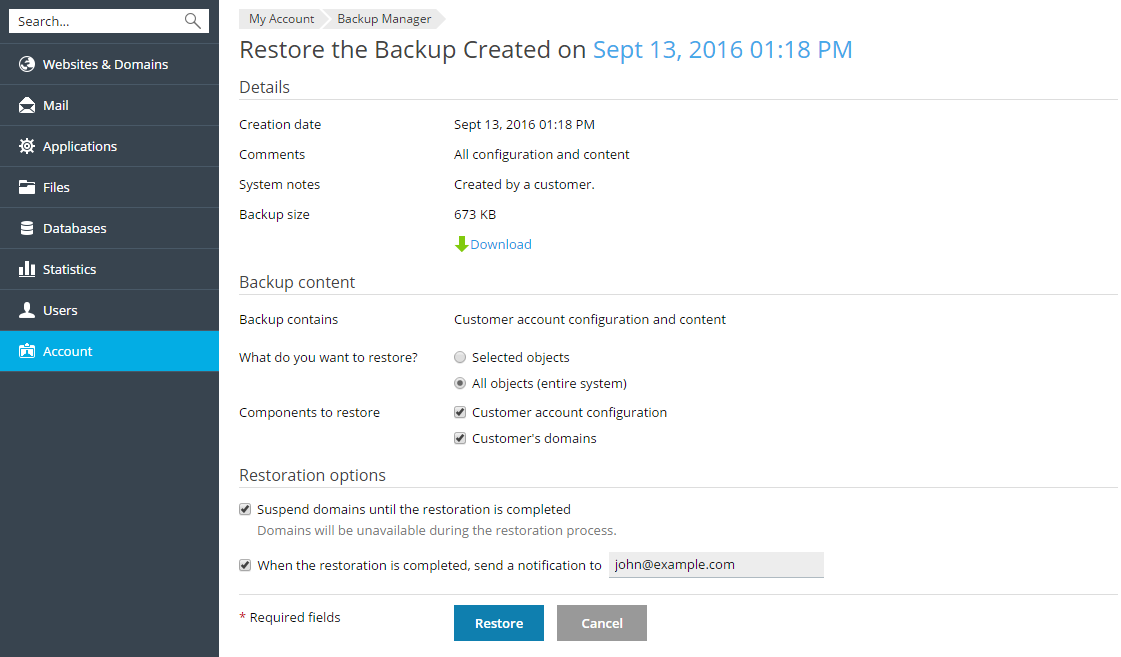
バックアップファイル内のどのオブジェクトを復元するか、特定のサイト、ファイル、データベースなどを選択できます。これにより、復元したいオブジェクトだけを復元でき、他のオブジェクトは上書きされません。たとえば、ドメイン example.com の DNS ゾーンだけを復元したい場合に他のドメインの構成を復元する必要はありません。
バックアップファイルを復元するには、[アカウント] > [ウェブサイトのバックアップ]または[ウェブサイトとドメイン] > [バックアップマネージャ]に進みます。次に、必要なバックアップをクリックし、復元するオブジェクトを指定して、[復元]をクリックします。