管理备份
We recommended you to keep backup copies of your website content to safeguard against accidents and malicious attacks. You can create backup copies with the Plesk backup and restoration functionality. This enables you to create backups of both configuration and content, including website content, mail accounts, databases and more, and restore data if necessary. You can also download backup files created in Plesk, as well as upload backup files, even those created in earlier Plesk versions. Created backups can be stored either locally or in a remote FTP storage.
备份帐户和网站
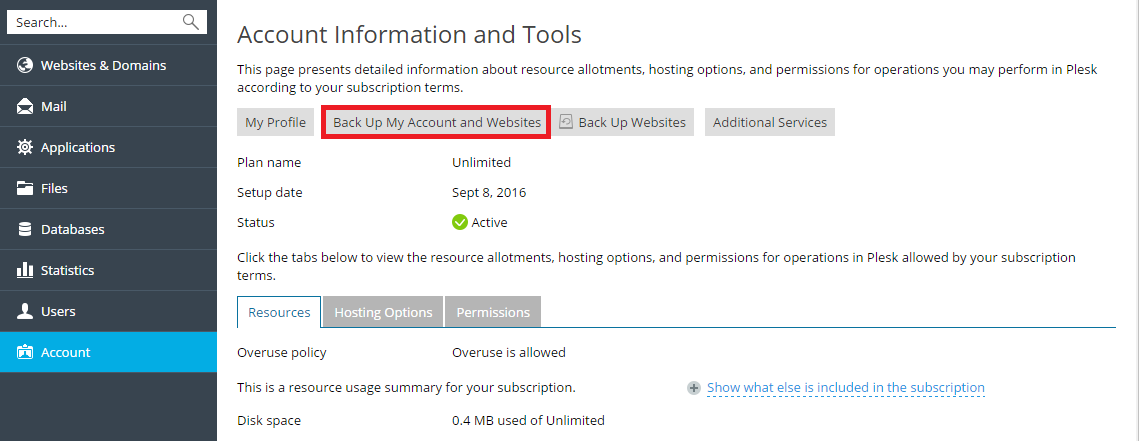
If your account has access to more than one subscription, to back up all data related to your account and all your subscriptions, go to Account > Back Up My Account and Websites.
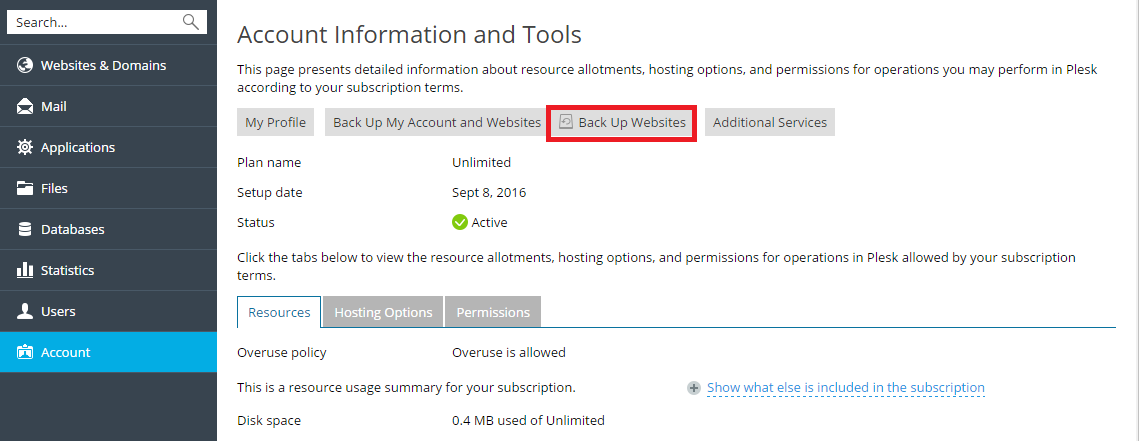
To back up the websites related to the currectly selected subscription, go to Account > Back Up Websites.
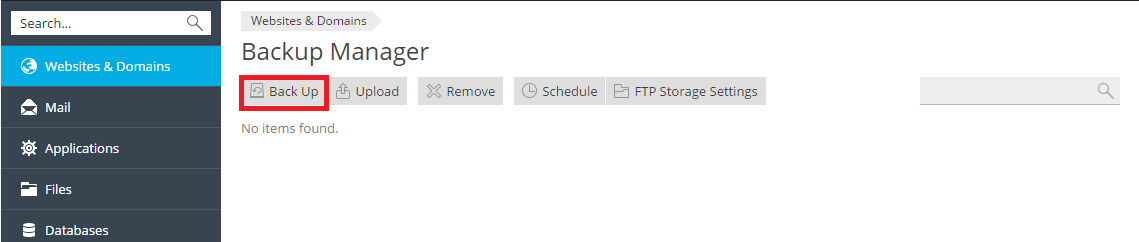
然后点击 备份 创建新备份。
保存备份
您只能恢复在 Plesk Onyx 17.0 和更新版本中所创建的备份。
您可以选择从备份文件恢复哪些对象。您可以恢复某个网站、文件、数据库,等等。这有助于您仅恢复想要恢复的对象,而不会覆盖其它对象。例如,如果您只想要恢复一个域名(example.com)的 DNS 区域,就没有必要恢复所有其它域名的配置。
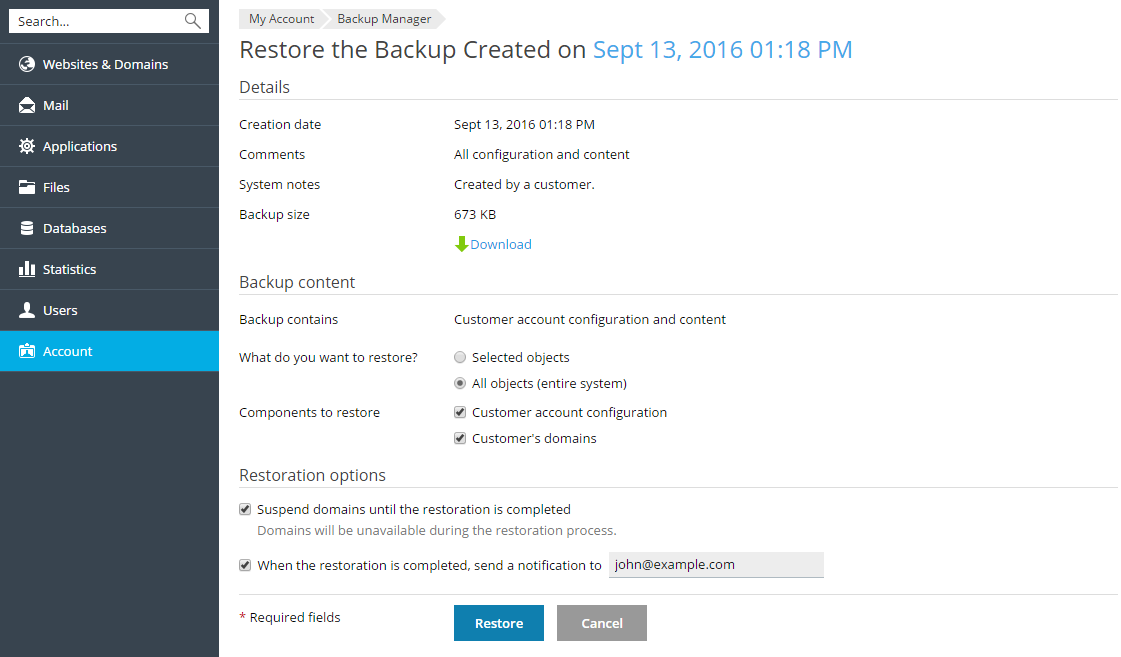
若要恢复备份文件,请进入 帐户> 备份网站 或 网站与域名 > 备份管理器 。然后点击所需备份,指定要恢复的对象并点击 恢复 。