Managing Backups
We recommended you to keep backup copies of your website content to safeguard against accidents and malicious attacks. You can create backup copies with the Plesk backup and restoration functionality. This enables you to create backups of both configuration and content, including website content, mail accounts, databases and more, and restore data if necessary. You can also download backup files created in Plesk, as well as upload backup files, even those created in earlier Plesk versions. Created backups can be stored either locally or in a remote FTP storage.
Backing Up Account and Websites
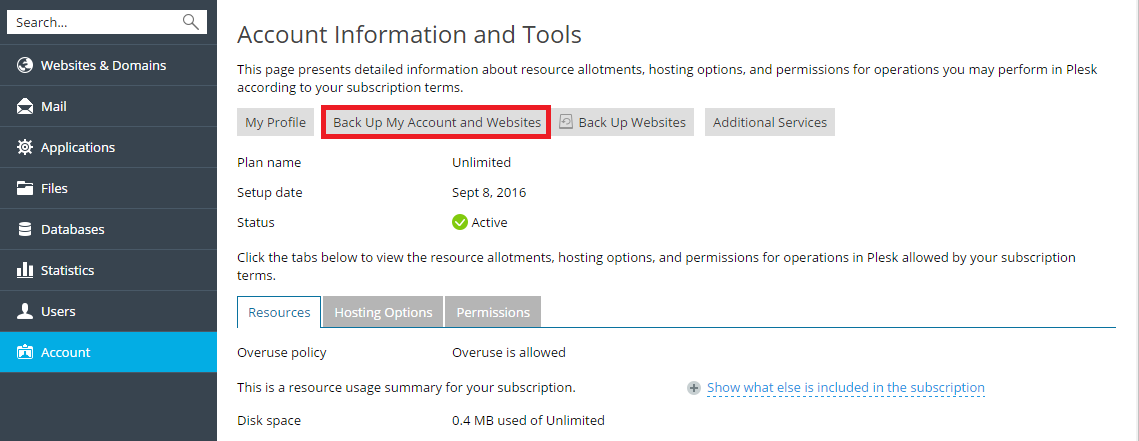
If your account has access to more than one subscription, to back up all data related to your account and all your subscriptions, go to Account > Back Up My Account and Websites.
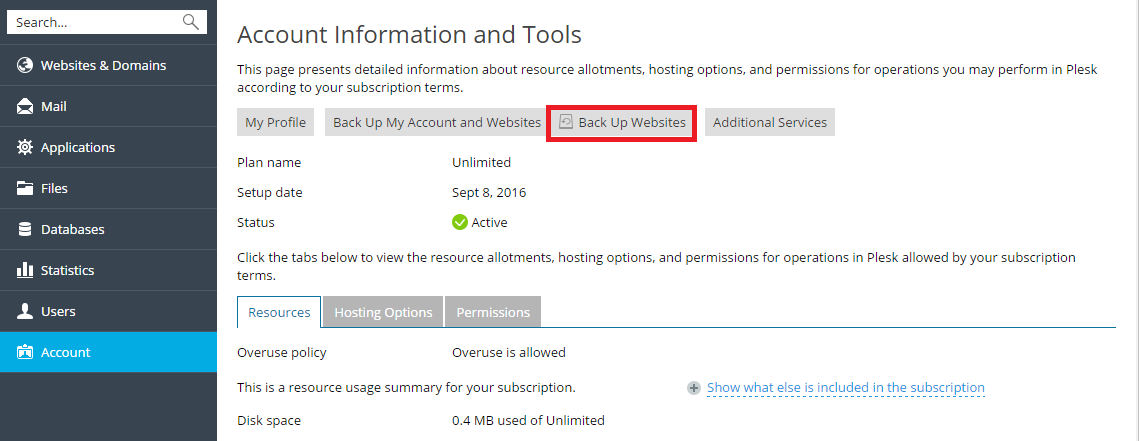
To back up the websites related to the currectly selected subscription, go to Account > Back Up Websites.
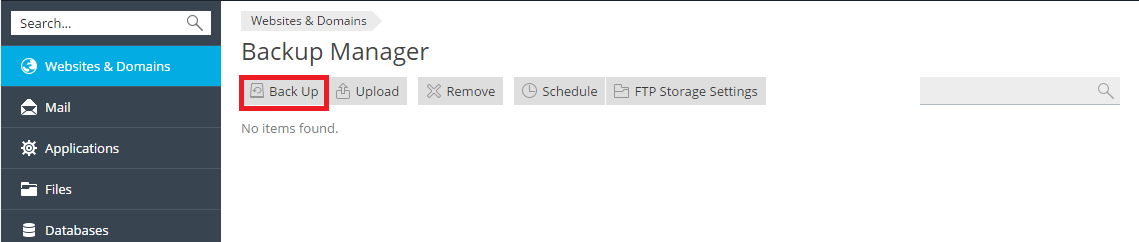
Then click Back Up to create a new backup.
Restoring Backups
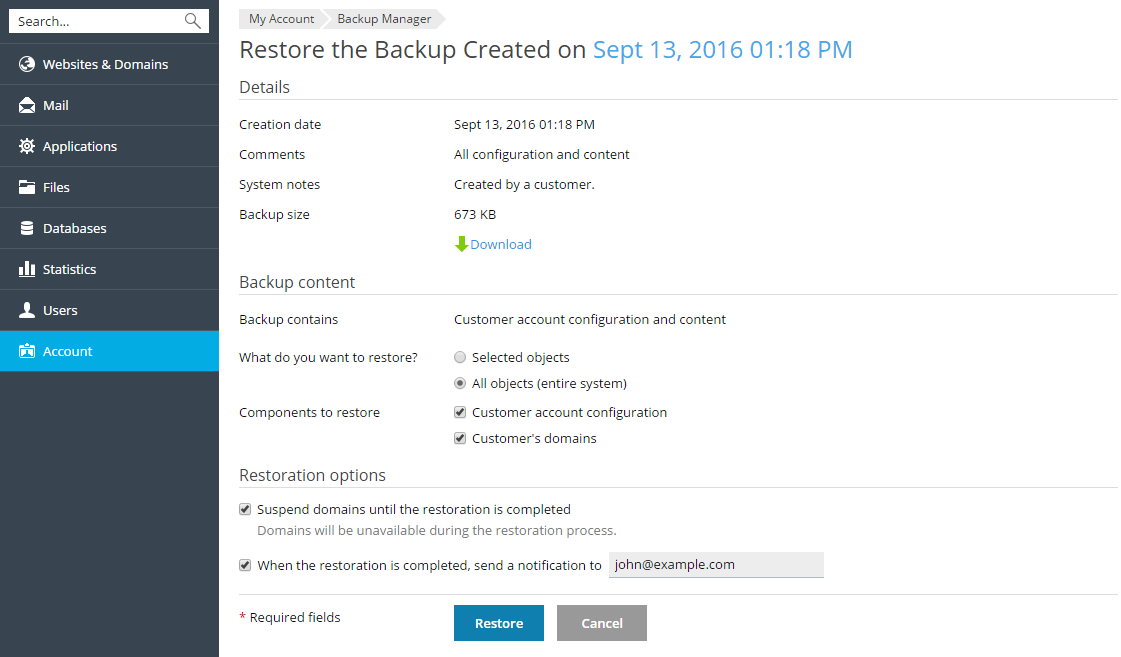
You can only restore backups made in Plesk Onyx 17.0 and later.
You can select which objects to restore from
a backup file. You can restore a particular site, file, database, and
so on. This enables you to restore only the objects you want to
restore, without overwriting other objects. For example, if you only
want to restore a DNS zone of one domain, example.com, there is
no need to restore configurations of all other domains.
To restore a backup file, go to Account > Back Up Websites or Websites & Domains > Backup Manager. Then click on the required backup, specify what should be restored and click Restore.